Y999 APK Install Guide for All Android Phones

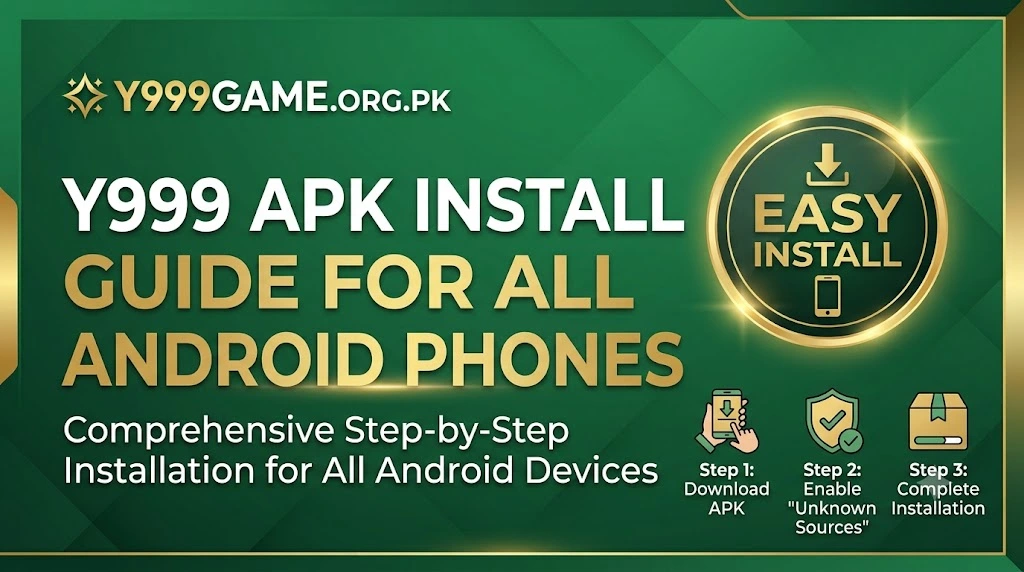
Installing Y999 Game on your Android phone is straightforward but a few steps confuse first-time users. This guide covers the entire process from downloading the APK to your first login, including the most common errors and how to fix them.
Why Y999 is Not on Google Play Store
Google Play Store restricts real-money gaming apps in Pakistan and several other countries. Y999 distributes the app as a direct APK from the official website so every Pakistani player can access it without restrictions. The official APK is safe and verified before every release.
Step 1: Visit the Official Download Page
Open your browser and go to y999game.org.pk/download. Always download from this official source only. Third-party sites may host modified APK files that can harm your device or steal account information.
Step 2: Tap the Download Button
Tap the Download APK button on the page. The file is approximately 38MB. It will save to your Downloads folder. Keep your screen on while it downloads to prevent the connection from dropping mid-transfer.
Step 3: Enable Unknown Sources
Before installing, go to your phone Settings. On most Android phones the path is: Settings → Security → Install Unknown Apps or Unknown Sources. Enable it for your browser app. On newer Samsung phones running One UI, go to Settings → Apps → Special App Access → Install Unknown Apps. This is a one-time step and you can turn it off again after installation if preferred.
Step 4: Install the APK
Open your notifications tray or file manager and tap the downloaded Y999 APK file. A prompt appears asking you to confirm installation. Tap Install and wait about 30 seconds for the process to complete.
Step 5: Open, Register, and Claim Your Bonus
Open Y999 Game from your app drawer. Tap Register, enter your mobile number, create a password, verify via OTP, and your account is ready. Your ₨350 welcome bonus is added to your wallet automatically the moment registration completes.
Common Error Fix: If you see "App Not Installed" when trying to install, it usually means the Unknown Sources setting is not enabled for the right app. Try enabling it for your file manager as well as your browser, then tap the APK file again.
How to Update Y999 When a New Version Releases
Visit this download page, download the latest APK, and install it over the existing app without uninstalling first. Your account, balance, and game history stay intact through the update. Y999 announces new versions on the official Telegram channel @y999gamepk.
APK Install FAQ